
 +44 7887081915




What Is the Process to Publish an Android App on the Google Play Store in 2026?
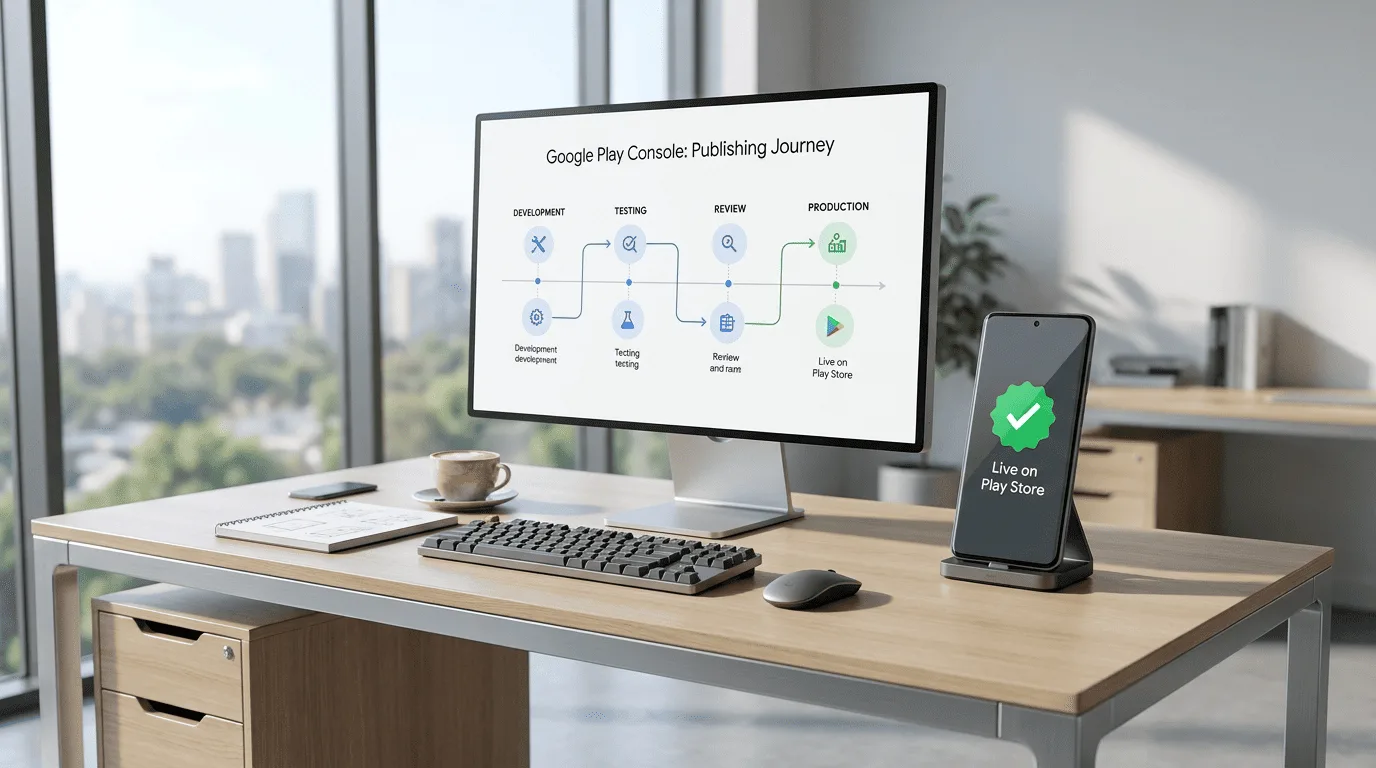
Android Development
 By Gomilestone
 May 08, 2026
Introduction
Launching an Android app is not just about developing the application.
Businesses also need to understand:
- Google Play Store policies
- App publishing steps
- Privacy requirements
- App review process
- Store optimization
In 2026, the Android app publishing process has become more structured because Google focuses heavily on:
- User safety
- Privacy compliance
- App quality
- Security standards
Whether you are launching:
- Startup MVP apps
- Ecommerce applications
- AI-powered apps
- Healthcare platforms
- Enterprise business systems
Understanding the Play Store publishing process helps avoid delays and app rejections.
This guide explains the complete process to publish an Android app on the Google Play Store.
👉 Explore our Android App Development Services: Android App Development Company
1. Overview of Android App Publishing Process
| Step | Purpose |
|---|---|
| Create Developer Account | Access Google Play Console |
| Prepare App Bundle | Upload app |
| Configure App Listing | Store visibility |
| Add Screenshots & Assets | Marketing |
| Configure Policies | Compliance |
| Submit for Review | Approval process |
| Publish App | Public release |
2. Step 1 – Create a Google Play Developer Account
The first step is creating a Google Play Developer account.
Developer Account Requirements
| Requirement | Details |
|---|---|
| Google account | Required |
| One-time registration fee | Mandatory |
| Identity verification | Sometimes required |
Why This Step Is Important
The developer account is required for:
- Uploading apps
- Managing releases
- Monitoring downloads
- Updating applications
3. Step 2 – Prepare the Android App Bundle (AAB)
Google now recommends using:
✅ Android App Bundle (AAB)
instead of traditional APK uploads.
App Preparation Checklist
| Item | Importance |
|---|---|
| Stable build | Critical |
| Bug-free app | Critical |
| Optimized performance | High |
| Secure APIs | High |
Common Mistakes
Businesses often:
- Upload unstable builds
- Ignore testing
- Skip optimization
4. Step 3 – Test the Android Application Properly
Before submission, businesses should test:
- Login flows
- Payment systems
- Notifications
- Device compatibility
- Performance
- API integrations
Recommended Testing Areas
| Testing Area | Importance |
|---|---|
| Functional testing | Critical |
| UI/UX testing | High |
| Device testing | High |
| Security testing | High |
Why Testing Is Important
Proper testing:
- Reduces rejection chances
- Improves approval speed
- Improves App Store ratings
5. Step 4 – Create Play Store Listing
The Play Store listing is extremely important because it affects:
- App visibility
- Downloads
- User trust
Store Listing Assets
| Asset | Purpose |
|---|---|
| App title | SEO & branding |
| App description | User understanding |
| Screenshots | Conversion |
| App icon | Branding |
| Feature graphic | Marketing |
Why ASO Matters
ASO (App Store Optimization) helps improve:
- Search visibility
- Downloads
- Conversion rates
6. Step 5 – Configure Privacy Policy & Permissions
Google requires apps to clearly explain:
- Data collection
- Permissions usage
- Privacy handling
Important Compliance Areas
| Area | Importance |
|---|---|
| Privacy policy | Critical |
| Permission disclosure | High |
| Data transparency | High |
Common Rejection Reason
One of the biggest reasons apps get rejected is:
❌ Missing or incorrect privacy policy
7. Step 6 – Configure AI & Sensitive Features Properly
Apps using:
- AI chatbots
- Voice AI
- AI-generated content
- Financial features
may require additional compliance checks.
AI App Compliance Areas
| Feature | Review Importance |
|---|---|
| AI-generated content | High |
| AI chatbots | Medium |
| Voice AI | Medium |
| Data processing | High |
8. Step 7 – Upload App to Google Play Console
After setup:
- Upload AAB file
- Configure release settings
- Select countries
- Choose audience settings
Upload Checklist
| Item | Status |
|---|---|
| App bundle uploaded | Required |
| Screenshots added | Required |
| Privacy policy added | Required |
| Content rating configured | Required |
9. Step 8 – Submit App for Review
Once submission is complete:
Google reviews the app for:
- Security
- Stability
- Policy compliance
- User safety
Average Review Timeline
| App Type | Typical Review Time |
|---|---|
| Basic App | 2–5 days |
| Ecommerce App | 3–7 days |
| AI-Powered App | 5–10 days |
| FinTech App | 7–15 days |
Common Reasons for Play Store Rejection
| Issue | Result |
|---|---|
| App crashes | Rejection |
| Misleading permissions | Rejection |
| Copyright violations | Rejection |
| Privacy issues | Delay |
| Broken functionality | Rejection |
10. Step 9 – Publish the App
Once approved:
the app becomes live on:
✅ Google Play Store
based on:
- Country selection
- Release settings
- Rollout strategy
11. Step 10 – Post-Publishing Optimization
Publishing the app is only the beginning.
Businesses should continue focusing on:
- ASO optimization
- Ratings & reviews
- Performance monitoring
- Updates & bug fixes
Post-Launch Activities
| Activity | Benefit |
|---|---|
| ASO optimization | More downloads |
| Performance monitoring | Better retention |
| App updates | User satisfaction |
| Crash monitoring | Better ratings |
Common Mistakes Businesses Make
Businesses often:
- Rush publishing
- Skip testing
- Ignore Play Store policies
- Use poor screenshots
- Ignore ASO optimization
Frequently Asked Questions
What is the process to publish an Android app on Play Store?
The process includes developer account setup, app preparation, testing, Play Store listing creation, compliance setup, app submission, and review approval.
How long does Play Store app approval take?
Play Store approvals usually take between 2–7 days depending on app category and compliance checks.
What is required to publish an Android app?
Businesses usually require:
- Google Developer account
- App bundle (AAB)
- Screenshots
- Privacy policy
- App descriptions
Why do Android apps get rejected from Play Store?
Apps commonly get rejected because of crashes, policy violations, missing privacy policies, or improper permissions.
Is ASO important after publishing?
Yes. App Store Optimization helps improve rankings, downloads, and app visibility.
Do AI-powered apps require additional review?
Yes. Apps using AI features may undergo additional compliance and security review.
Conclusion
Publishing an Android app on the Google Play Store in 2026 involves:
- Proper testing
- Policy compliance
- Security validation
- ASO optimization
- Performance optimization
Businesses that follow a structured publishing process are more likely to:
- Get faster approvals
- Avoid rejections
- Improve app visibility
- Achieve better long-term growth
Need Help Publishing Your Android App?
Planning to launch an Android app for your business?
Need expert support for Android app development, Play Store publishing, testing, and deployment?
Contact us today for a free consultation and Android app launch planning.
👉 Explore our Services: Android App Development Company
Recent Knowledge Series



Follow Us


Have an Idea? Let's Build It Together
Transform your vision into reality with our expert development team. We're ready to bring your digital products to life.
- Free Consultation
- No Obligation Quote
- 24/7 Support


🌍 Clients Across 15+ Countries
Trusted globally by businesses worldwide