
 +44 7887081915




Website Maintenance Checklist: 10 Things Every Business Website Needs
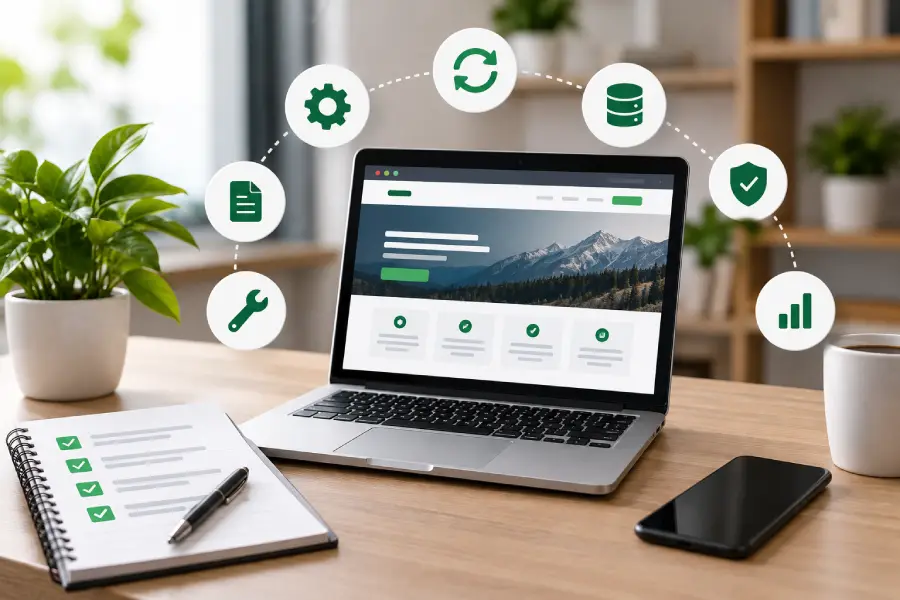
Website Maintenance
 By Gomilestone
 Sep 22, 2026
Introduction
Launching a website is only the beginning. A business website needs regular maintenance to remain secure, fast, reliable and useful for customers. Outdated software, broken forms, expired SSL certificates, slow pages and failed backups can create problems that affect both user experience and business operations.
A practical website maintenance routine helps businesses identify these issues before they become major problems. Businesses can use professional website maintenance and support services to manage ongoing updates, security, performance and technical issues.
This checklist covers 10 essential tasks that should be part of an ongoing website maintenance and support process.
Why Is Website Maintenance Important?
Your website is a live business asset, not a one-time project. Its CMS, plugins, integrations, content, hosting environment and security configuration can change over time. Regular maintenance helps keep these components working together correctly.
For business websites, maintenance should focus on four core areas: security, reliability, performance and content accuracy. A good process also includes backups, monitoring, testing and reporting so issues can be identified and resolved systematically.
1. Keep Your CMS, Plugins and Themes Updated
Outdated CMS software, plugins and themes can create compatibility, security and performance issues. Review available updates regularly and apply them using a controlled process.
- Update the website CMS to a supported version.
- Keep plugins, themes and extensions updated.
- Check compatibility before major updates.
- Test important pages and functions after updates.
2. Take Regular Website Backups
A backup gives your business a recovery option when something goes wrong. Backups should include the website database, files, media and other important website data.
- Schedule automated backups.
- Keep backup copies separate from the live website where possible.
- Check that backups are completing successfully.
- Periodically verify that a backup can actually be restored.
3. Monitor Website Security
Security maintenance should be an ongoing activity rather than something performed only after an incident. Regular checks can help identify suspicious activity, outdated components and other vulnerabilities.
- Run security and malware scans.
- Review administrator and user accounts.
- Remove unused accounts and access permissions.
- Keep security tools and configurations updated.
- Monitor SSL certificate status.
4. Check Website Uptime
Customers cannot use a website that is unavailable. Uptime monitoring can alert your team or maintenance provider when the website becomes inaccessible.
- Monitor website availability continuously.
- Review downtime incidents and recurring errors.
- Check hosting and server issues when downtime occurs.
- Keep an escalation process for urgent outages.
5. Test Forms, Contact Methods and Key Functions
A website can appear to be working normally while an important lead-generation feature is broken. Contact forms, enquiry forms, booking flows, payment functions and other conversion paths should be tested regularly.
- Submit contact and enquiry forms.
- Verify email notifications are received.
- Test phone, email and WhatsApp links.
- Check booking, login or checkout functionality where applicable.
- Confirm important integrations are working.
6. Monitor Website Speed and Performance
Website performance can change as new content, scripts, plugins and integrations are added. Regular performance checks help identify pages that have become unnecessarily slow.
- Check important pages on desktop and mobile.
- Optimise large images and unnecessary assets.
- Review scripts, plugins and third-party integrations.
- Monitor Core Web Vitals and other performance indicators.
- Investigate sudden performance drops.
7. Find and Fix Broken Links and Errors
Broken links and 404 errors can frustrate visitors and make website maintenance harder. Regular link checks help keep navigation and important customer journeys functional.
- Scan internal links.
- Review important external links.
- Fix or redirect broken URLs where appropriate.
- Monitor important 404 pages.
- Check navigation menus after major content changes.
8. Keep Website Content Accurate and Up to Date
Business information can become outdated even when the website itself is technically healthy. Incorrect contact details, old service information or expired offers can reduce customer trust.
- Review phone numbers, email addresses and business details.
- Update service and product information.
- Remove expired offers and outdated announcements.
- Review important landing pages periodically.
- Update images and supporting content when required.
9. Review SEO and Analytics Health
Website maintenance should also include basic SEO and analytics checks. Technical issues can affect how pages are crawled, indexed and measured.
- Review important page titles and meta descriptions.
- Check for indexing or coverage issues.
- Review broken links and redirects.
- Monitor important organic traffic trends.
- Verify that important conversion tracking still works.
10. Review Website Health and Maintenance Reports
Maintenance becomes more effective when completed tasks and issues are documented. A regular report gives business owners visibility into website health and helps identify recurring problems.
- Record updates and technical fixes.
- Track uptime and major incidents.
- Review security and backup status.
- Document performance issues and improvements.
- Maintain a list of pending website changes or support requests.
How Often Should a Business Website Be Maintained?
There is no single maintenance schedule that fits every website. A small informational website may require fewer manual checks than an e-commerce store, booking platform or custom web application.
A practical approach is to combine automated monitoring with scheduled reviews:
- Daily or automated: uptime, critical security alerts and backup notifications.
- Weekly: forms, key website functions and obvious errors.
- Monthly: software updates, security checks, backups, performance, links, content and analytics.
- Quarterly: deeper review of users, integrations, content, performance and recovery processes.
- Annually: domain, hosting, SSL, licences and broader website health review.
Website Maintenance Checklist for WordPress Websites
WordPress websites require particular attention to the CMS core, themes and plugins. Before applying significant updates, it is useful to test changes in a staging environment when available. After updates, check the homepage, forms, menus, responsive layouts and other business-critical functions.
Businesses that need development or technical improvements alongside maintenance can also consider WordPress development services.
Plugin and theme maintenance should also include removing unused components. Keeping unnecessary plugins or extensions installed can increase the maintenance workload and create additional compatibility or security considerations.
Website Maintenance for E-commerce Websites
E-commerce websites require additional testing because technical issues can directly affect sales. Along with normal maintenance tasks, businesses should regularly test the complete customer journey.
- Product pages and product images
- Add-to-cart functionality
- Checkout process
- Payment gateway integration
- Shipping and tax configuration
- Order notifications
- Discount or coupon functionality
- Customer account and login functions
For businesses using Shopify, ongoing maintenance can be supported alongside Shopify development when new features, integrations or ecommerce improvements are required.
What Happens If You Ignore Website Maintenance?
Skipping maintenance does not always create an immediate visible problem. Issues can accumulate gradually. Software can become outdated, backups may fail, forms can stop delivering enquiries, pages can become slower and business information can become inaccurate.
When several small issues remain unresolved, fixing the website can become more time-consuming and expensive than maintaining it consistently. Regular support helps businesses address problems while they are still manageable.
When Should You Consider Professional Website Maintenance Services?
Professional website maintenance can be useful when your internal team does not have the technical time or expertise to monitor and maintain the website consistently. It can also be valuable for businesses managing WordPress, Shopify, custom websites, e-commerce platforms or websites with multiple third-party integrations.
Businesses that require new features, redesigns or technical improvements can combine maintenance with professional website development services.
For websites that depend on hosting infrastructure, deployments, server configuration or ongoing infrastructure management, cloud and DevOps services can also support the technical environment.
A professional maintenance service can combine security updates, performance monitoring, backups, bug fixing, content updates, uptime monitoring and technical support into a structured maintenance plan.
Keep Your Business Website Secure, Updated and Reliable
Website maintenance is an ongoing process that protects your website's reliability and helps your team resolve technical issues before they become larger problems. A structured checklist makes it easier to monitor website health and keep critical functions working.
GoMilestone provides website maintenance and support services covering security updates, performance optimisation, bug fixes, backups, uptime monitoring, content updates and ongoing technical support for business websites.
Frequently Asked Questions
What is included in website maintenance?
Website maintenance can include security updates, backups, uptime monitoring, performance optimisation, bug fixes, broken-link checks, content updates, technical support and regular website health reviews.
How often should a business website be maintained?
Critical monitoring can run continuously, while routine maintenance is commonly performed on a weekly, monthly and quarterly schedule depending on the website's complexity and business requirements.
Is website maintenance necessary for a small business website?
Yes. Even a small business website needs updates, backups, security checks, form testing, content reviews and performance monitoring to remain reliable.
Does website maintenance help with website security?
Regular updates, security scans, access reviews, SSL monitoring and backups are important parts of maintaining a more secure website.
Can another company maintain my existing website?
Yes. A maintenance provider can review the existing website, identify outstanding issues, establish a maintenance baseline and then manage ongoing updates and support.
Conclusion
A website should not be treated as a finished project after launch. Regular maintenance keeps the technical foundation, content and customer-facing functions in good working condition.
By following these 10 website maintenance checklist items—updates, backups, security, uptime, testing, performance, broken links, content, SEO and reporting—businesses can create a more reliable process for managing their website over the long term.
Recent Knowledge Series



Follow Us


Have an Idea? Let's Build It Together
Transform your vision into reality with our expert development team. We're ready to bring your digital products to life.
- Free Consultation
- No Obligation Quote
- 24/7 Support


🌍 Clients Across 15+ Countries
Trusted globally by businesses worldwide